
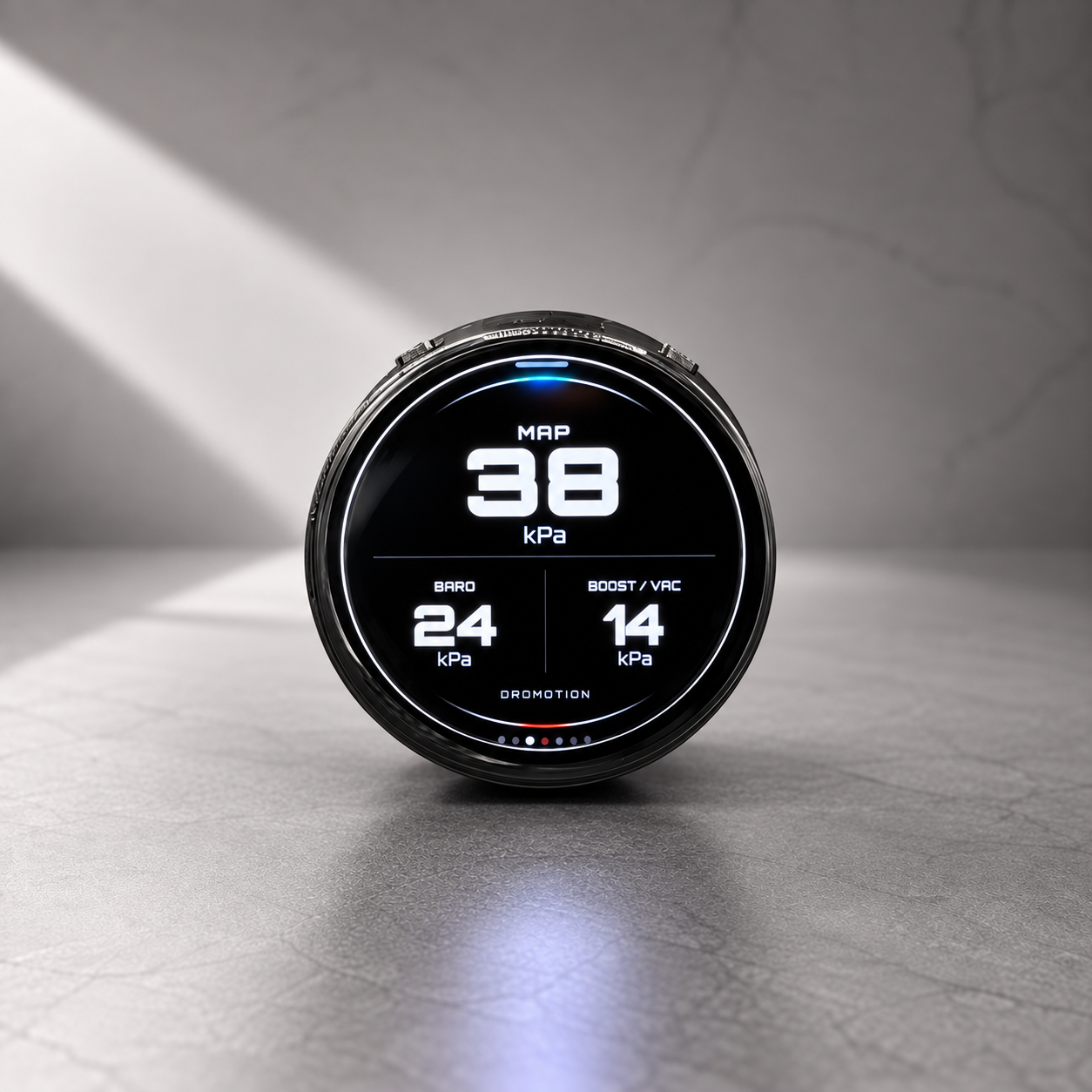
Display
Choose Wired or Wireless above.
VENT-MOUNT DISPLAYS
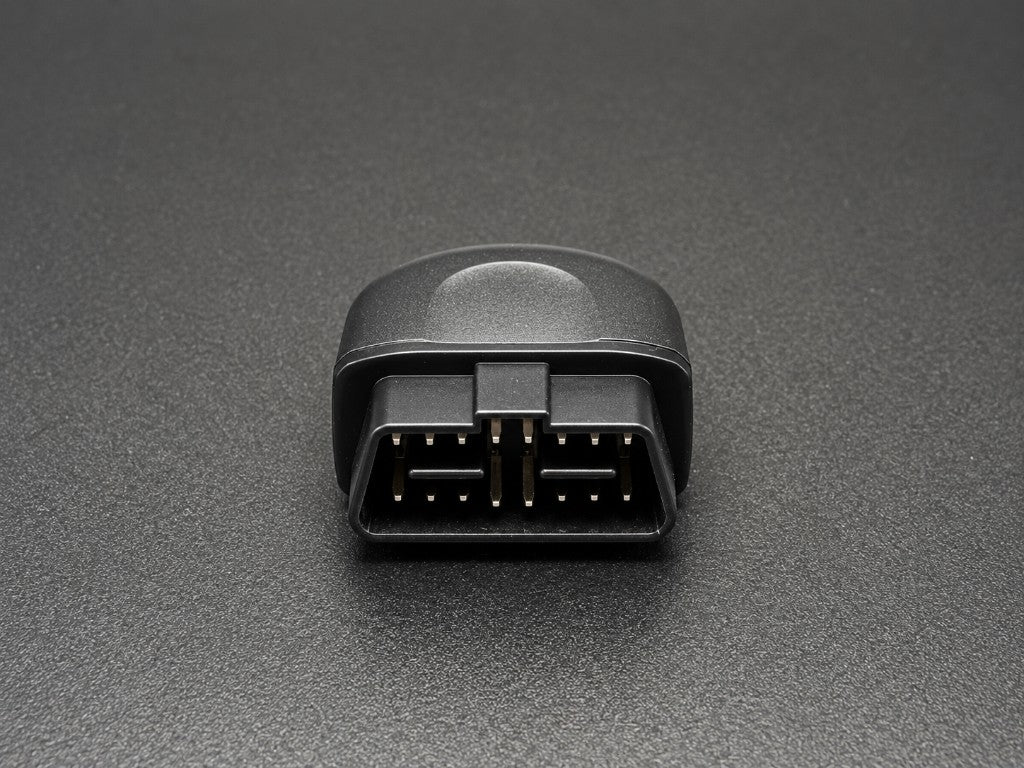
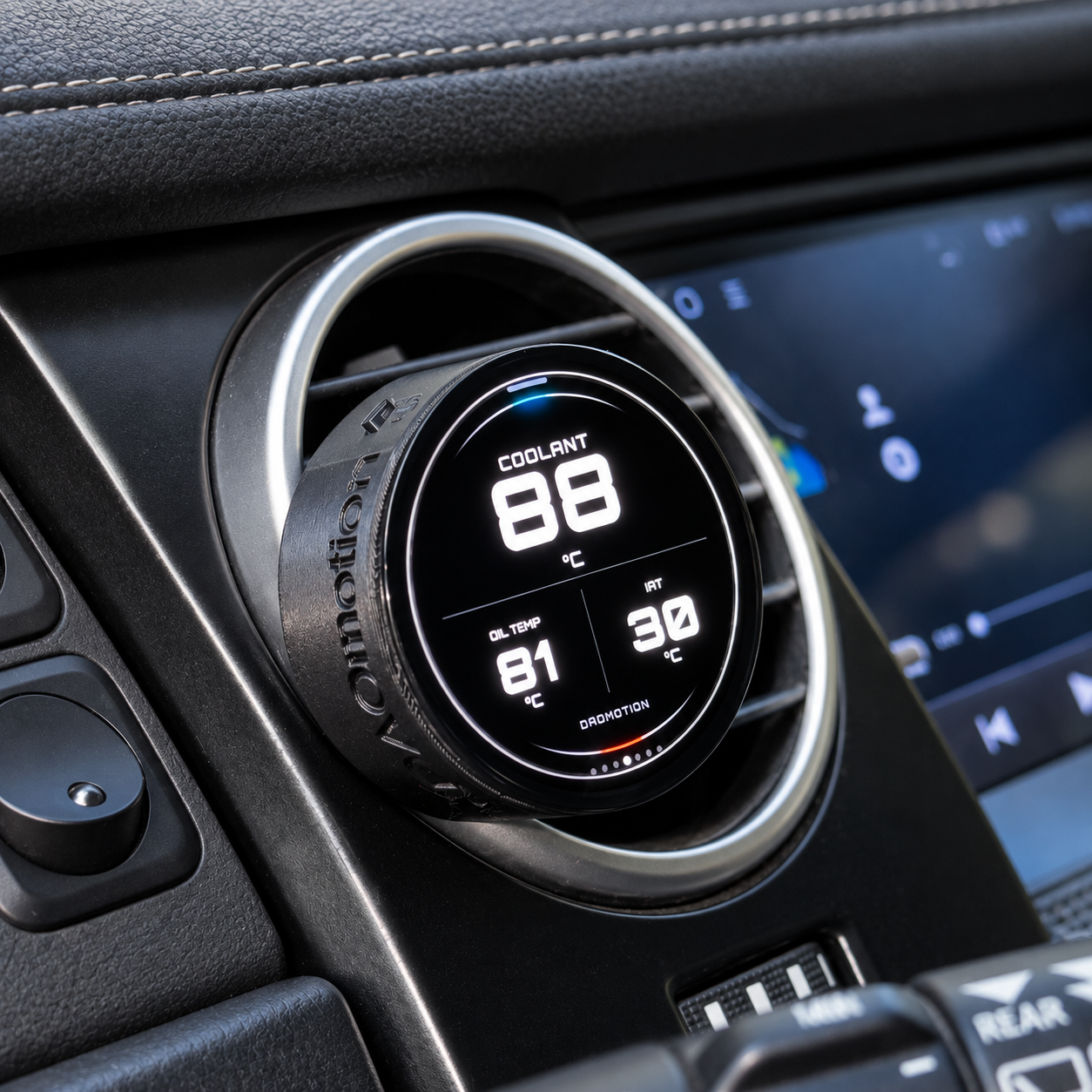
A dedicated vehicle display that clips onto a compatible air vent. Choose wired power or a rechargeable battery, then connect through OBD2 or Flexible Sensor.
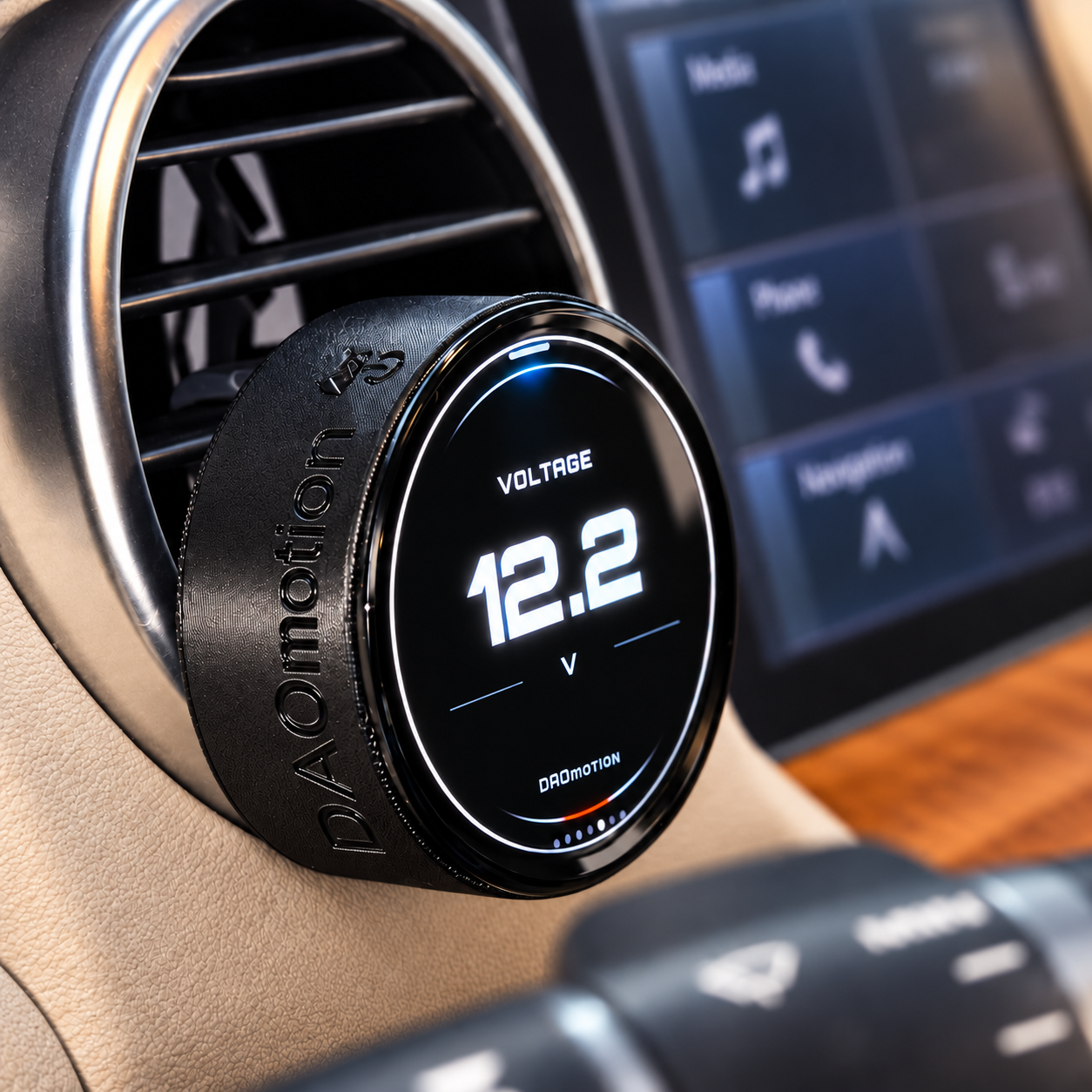
01 / POWER
Click a card to select how your display is powered.
Wired / Wireless describes display power. Choose the vehicle data connection separately below.
One display. Six looks. Choose Modern, Roadster or your Pixel color.

Your confirmed theme will be included with your order for firmware setup. Images are software-rendered from firmware artwork and layout, with illustrative readings. Available readings depend on your vehicle and data connection. Grouped screens may show -- for unavailable signals; FS fuel pressure is shown as unavailable.
Your display theme changes its appearance. Vehicle compatibility and available signals depend on your car and data connection, not the theme you choose.
03 / VEHICLE DATA
| Compare | OBD2 | Flexible Sensor |
|---|---|---|
| Setup | Plug into your OBD2 port | Wire and calibrate compatible sensors |
| Data source | Readings provided by your vehicle’s ECU | Existing or added compatible sensors |
| Response | Depends on your vehicle and OBD2 polling | Direct acquisition, independent of OBD2 polling* |
| Expansion | Limited to data your vehicle makes available | Add supported readings your OBD2 system may not provide, such as oil pressure or AFR |
*Actual response depends on the sensor, sampling, filtering and display update rate.
Click a card to select OBD2 or FS and see the supported readings.
OBD2 · SUPPORTED READINGS
Read vehicle data through your OBD2 connection.
Gear uses RPM, speed and drivetrain settings. Boost requires supported manifold and barometric pressure data.
This is the supported signal range, not a guarantee that every reading is available on your car. If your vehicle does not provide a required signal, that reading will not be available.
FLEXIBLE SENSOR · SUPPORTED READINGS
6 analog inputs + 2 pulse inputs. Connect compatible sensor signals directly to the Data Collector.
Actual readings depend on your existing or added sensors, wiring, enabled channels and correct calibration. Additional sensors may be required.
IN THE BOX
Choose Wired or Wireless above.
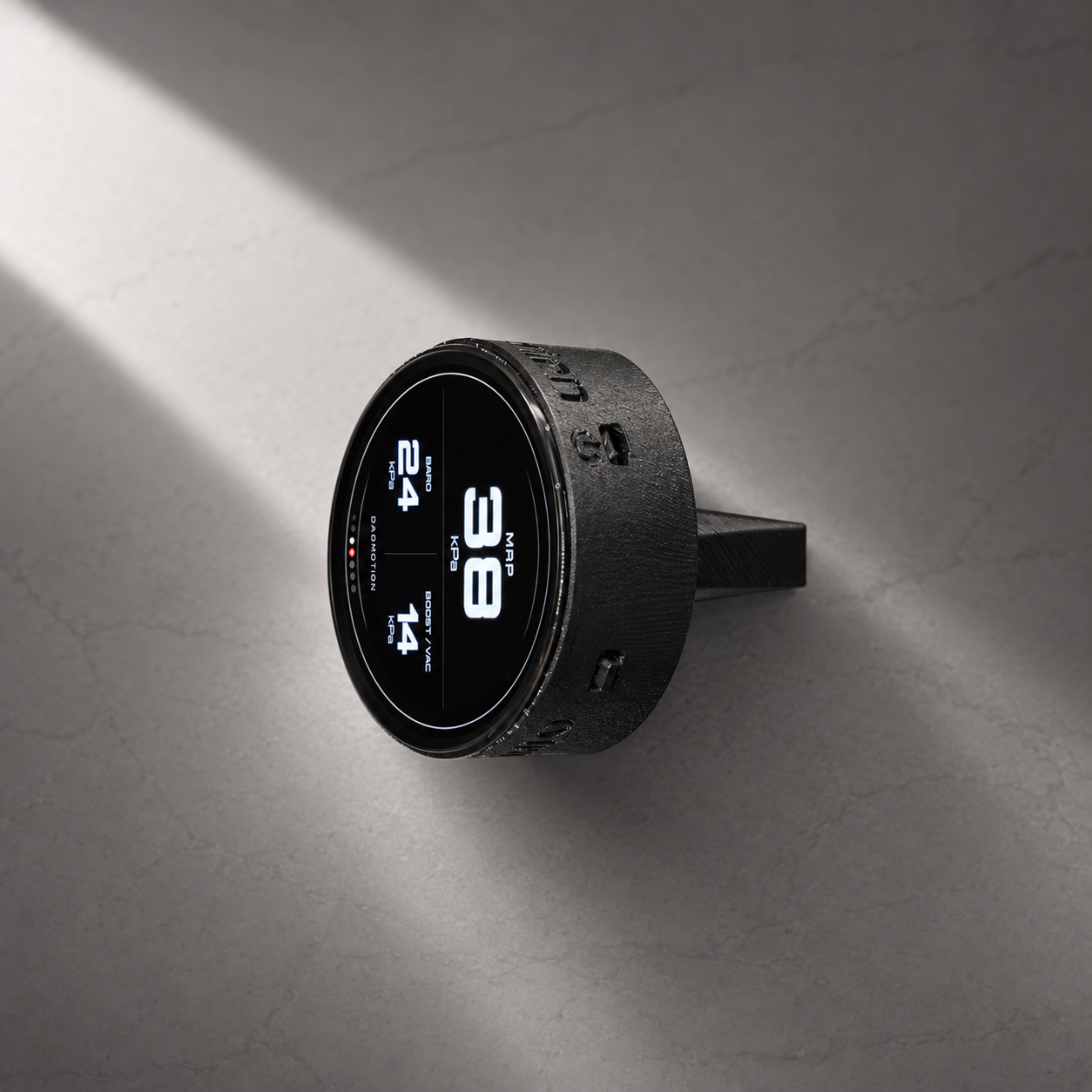
A CLOSER LOOK
THE DAOMOTION APP
Choose the readings on your display, start navigation and follow the installation guide — all from the DAOmotion app.
Select the gauges and units you want in the app. Use the Device / Configuration controls above the phone to view both screens.
Start in the app. Open the navigation screen on your display, then connect to see the next turn. Switch back to your gauges when needed.

Navigation on your Vent Clip.
App screens and display readings are illustrative. Available features depend on your device and vehicle configuration.
Explore the hardware installation and App setup before choosing your kit.
YOUR CONFIGURATION
Select both options above to review your configuration.
Your power version, display theme and data connection will be saved with your order.