

THE UNIVERSAL DISPLAY
52mm UniversalOne display.
Find your place.
A universal 52mm display for your cockpit. Fit it to your dashboard, steering wheel, air vent or A-pillar with the right mounting accessories. Or make it part of your own custom setup.
Build your setup↗52 mm
Universal formatYour choice
Of mounting locationOBD2 / FS
Vehicle data options
Universal formatYour choice
Of mounting locationOBD2 / FS
Vehicle data options
01 / OPTIONAL MOUNTING ACCESSORIES
Make it fit
your cockpit.
These are a few places to start. Choose one of our mounting accessories, or use the display in your own installation.
Every setup starts with 52mm Universal. Your selected mounting accessory is included in the displayed setup price. Multi-display photos are installation examples; display prices are per unit.
52MM UNIVERSAL / DISPLAY ONLY
Choose Standard 12V vehicle power or With Battery, then select OBD2 or Flexible Sensor.
02 / YOUR VERSION
Choose your version.
Fixed or Floating?
| Compare | Fixed | Floating |
|---|---|---|
| As you turn the wheel | The display turns with the wheel | The display stays upright |
| Display power | External vehicle power · 12V or 5V | Rechargeable battery included |
| Built-in battery | No | Yes · Recharge between uses |
Fits steering wheels with a 70mm or 74mm bolt pattern. Choose your vehicle data connection separately.
Explore the display themes
Preview the available looks, then change your theme anytime in the DAOmotion App. No theme selection is required to order.

Your display comes with firmware installed. Change its theme in the DAOmotion App. Images are software-rendered from firmware artwork and layout, with illustrative readings. Available readings depend on your vehicle and data connection. Grouped screens may show -- for unavailable signals; FS fuel pressure is shown as unavailable.
Your display theme changes its appearance. Vehicle compatibility and available signals depend on your car and data connection, not the theme you choose.
03 / VEHICLE DATA
Choose how you connect.
Choose the connection that fits your build
| Compare | OBD2 | Flexible Sensor |
|---|---|---|
| Setup | Plug into your OBD2 port | Wire and calibrate compatible sensors |
| Data source | Readings provided by your vehicle’s ECU | Existing or added compatible sensors |
| Response | Depends on your vehicle and OBD2 polling | Direct acquisition, independent of OBD2 polling* |
| Expansion | Limited to data your vehicle makes available | Add supported readings your OBD2 system may not provide, such as oil pressure or AFR |
*Actual response depends on the sensor, sampling, filtering and display update rate.
Choose your version above, then select OBD2 or Flexible Sensor. Theme previews are optional.
OBD2 · SUPPORTED READINGS
What you can monitor
Read vehicle data through your OBD2 connection.
- Engine speed (RPM)
- Vehicle speed
- Coolant temperature
- Oil temperature
- Intake air temperature
- Engine load
- Ignition timing
- Voltage
- Gear · calculated
- Boost · calculated
Gear uses RPM, speed and drivetrain settings. Boost requires supported manifold and barometric pressure data.
Available readings vary by vehicle.
This is the supported signal range, not a guarantee that every reading is available on your car. If your vehicle does not provide a required signal, that reading will not be available.
FLEXIBLE SENSOR · SUPPORTED READINGS
Your sensors. Your readings.
6 analog inputs + 2 pulse inputs. Connect compatible sensor signals directly to the Data Collector.
- Coolant temperature
- Oil pressure
- Oil temperature
- Boost pressure
- Air-fuel ratio (AFR)
- Intake air temperature
- Engine speed (RPM)
- Vehicle speed
Supported does not mean automatically available.
Actual readings depend on your existing or added sensors, wiring, enabled channels and correct calibration. Additional sensors may be required.
IN THE BOX
What’s in your kit
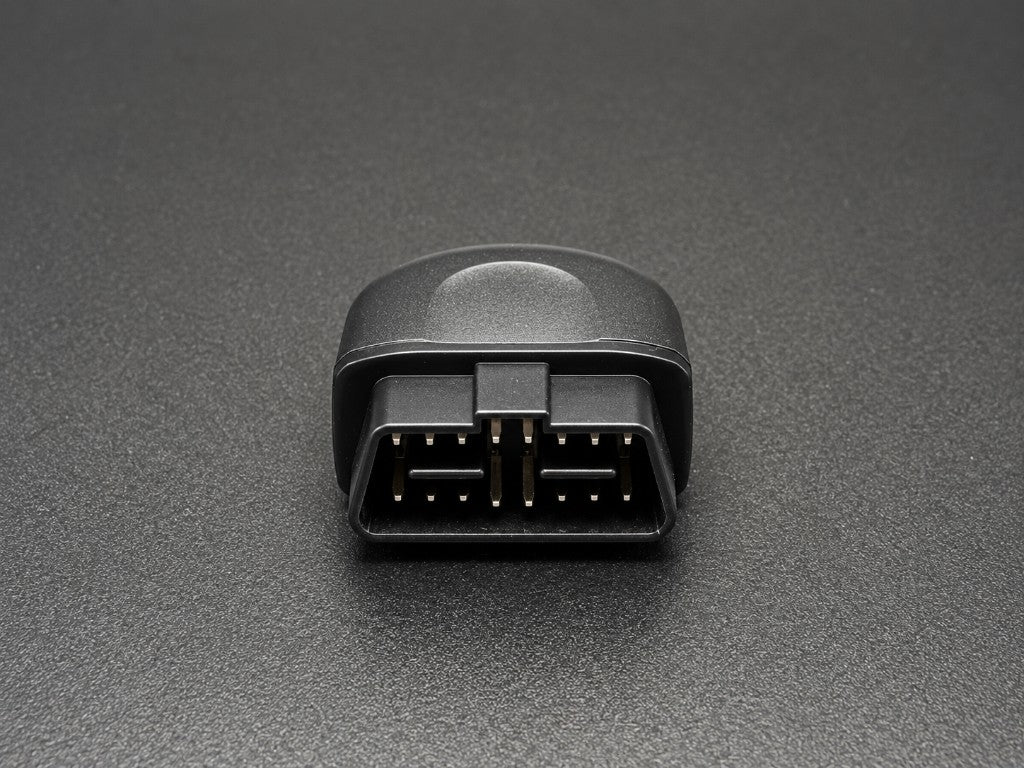
A CLOSER LOOK
THE DAOMOTION APP
Your 52mm Universal. Set up your way.
Choose the readings on your display, start navigation and follow the installation guide — all from the DAOmotion app.
Choose your readings
Select the gauges and units you want in the app. Use the Device / Configuration controls above the phone to view both screens.
Navigation on your display
Start in the app. Open the navigation screen on your display, then connect to see the next turn. Switch back to your gauges when needed.
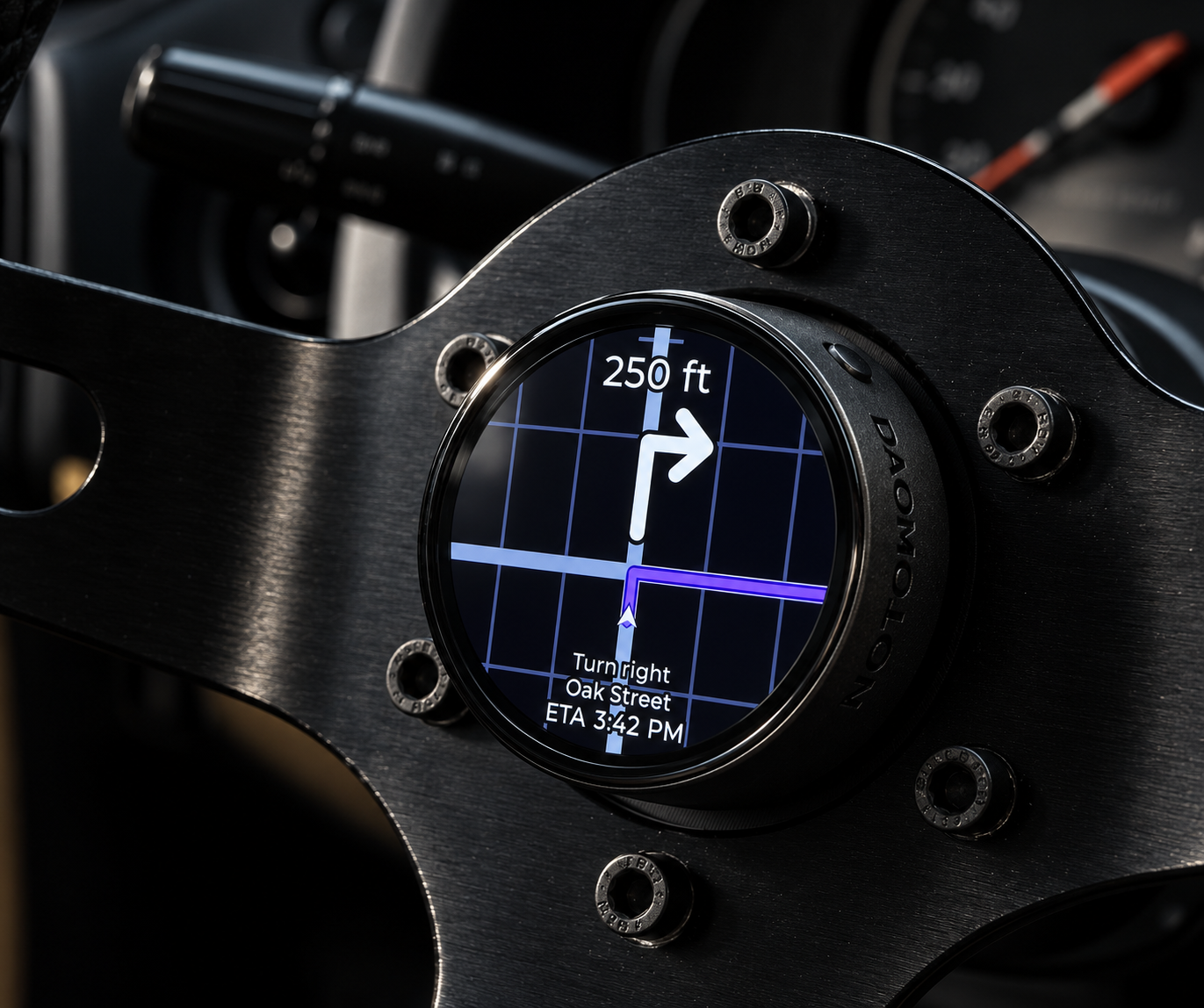
Navigation on your configured display.
App screens and display readings are illustrative. Available features depend on your device and vehicle configuration.
YOUR SETUP COMPANION
Installation Guide
Explore the hardware installation and App setup for your chosen configuration.
YOUR CONFIGURATION
Review your display.
- Display
- 52mm Universal
- Mounting setup
- Version
- Vehicle data
- Setup price
The selected mounting accessory and data module are included. Price is per display; three-display installation photos show three separately purchased displays.
Choose your version and data connection.
Your mounting setup, version, data connection and vehicle details will be saved with your order. Change display themes anytime in the DAOmotion App.