
Installation Guide
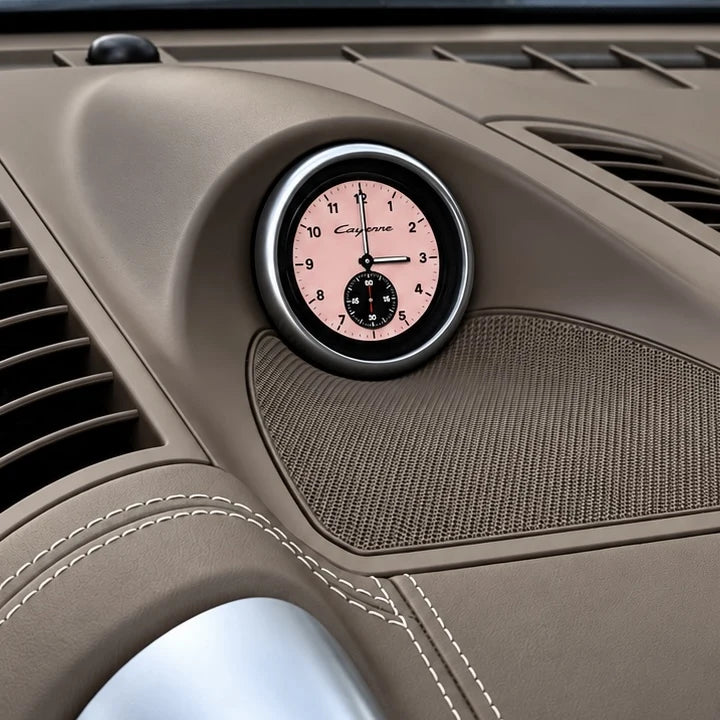
Porsche Cayenne Installation Guide
Install your hardware, connect the DAOmotion App and check your display before driving.
HARDWARE INSTALLATION
THE DAOMOTION APP
Connect. Configure. Check.
01 / Connect your display
Plug the supplied OBD connector into your vehicle’s OBD port.
Power on your display and open Settings → Connect to App → Start WiFi. In the DAOmotion App, open Device → Connect device and scan the QR code. Allow the Wi-Fi connection. If asked to join manually, use the network details shown on the display, then return to the App.
02 / Choose your settings
Open Device configuration to set brightness, units and available vehicle-data options. Save your configuration. Download a compatible Cayenne theme while online, then connect to the display hotspot and install it from Themes.
03 / Restore vehicle data
Exit Connect to App on the display to restore the CAN Vehicle Node connection. Check that the display is secure and vehicle readings appear with the ignition on before driving. For attitude calibration, park on level ground and use Settings → Attitude Calibration on the display.
Need a hand?
Use the matching harness and the instructions supplied with your kit. If your connector or dashboard differs, contact support with your vehicle year and a photo before proceeding.
support@dao-motion.com