
Engine & transmission
- Engine oil temperature
- Coolant temperature
- Transmission temperature
LAND ROVER / DISCOVERY 3 · LR3
Vehicle data in a display made for your Discovery 3 — known as the LR3 in North America. Temperatures, suspension, terrain and engine data, together in one clear view.
Land Rover Discovery 3 / LR3
Swipe or use the arrows to explore
ON THE DISPLAY
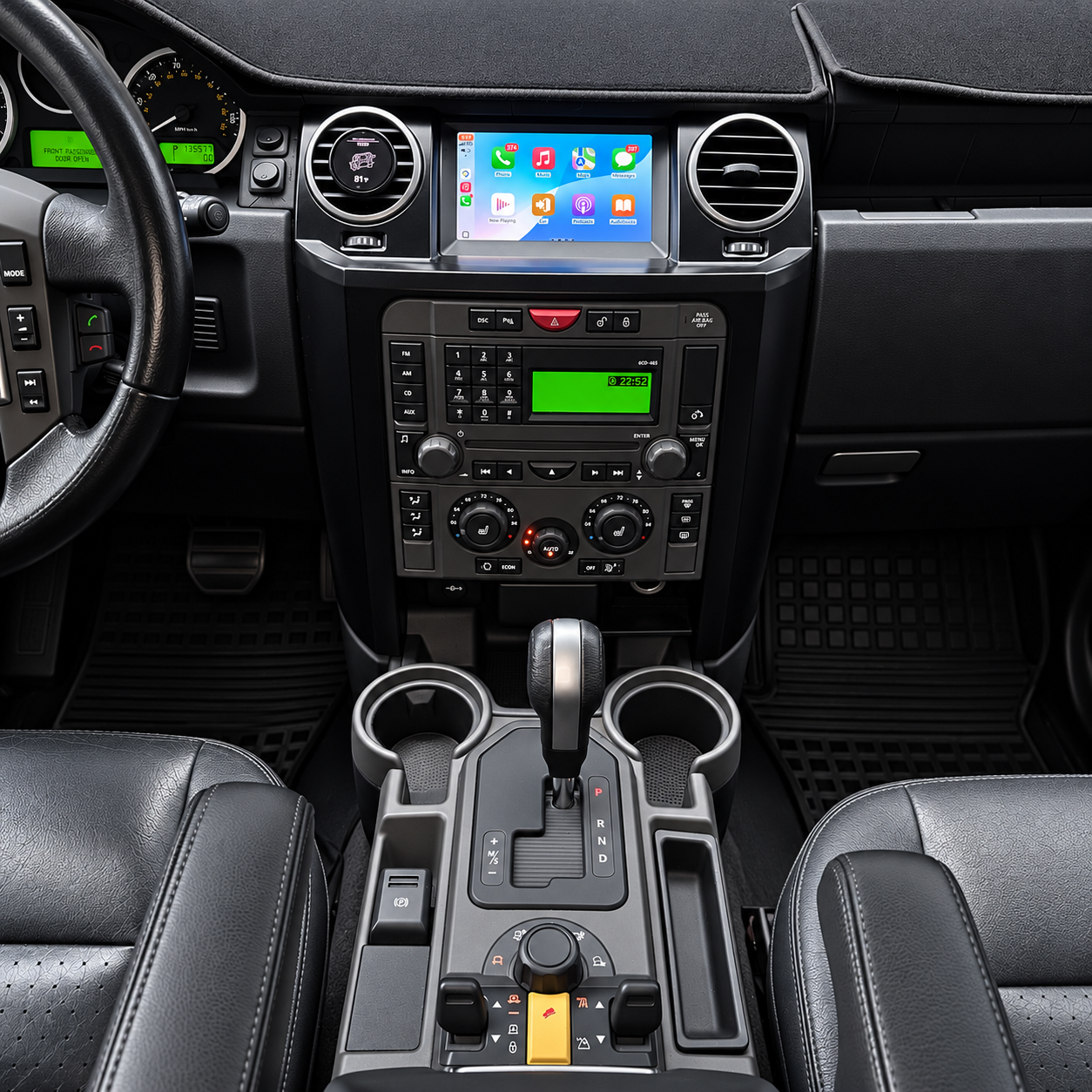
Explore vehicle readings and navigation, photographed in a real Discovery 3 / LR3.
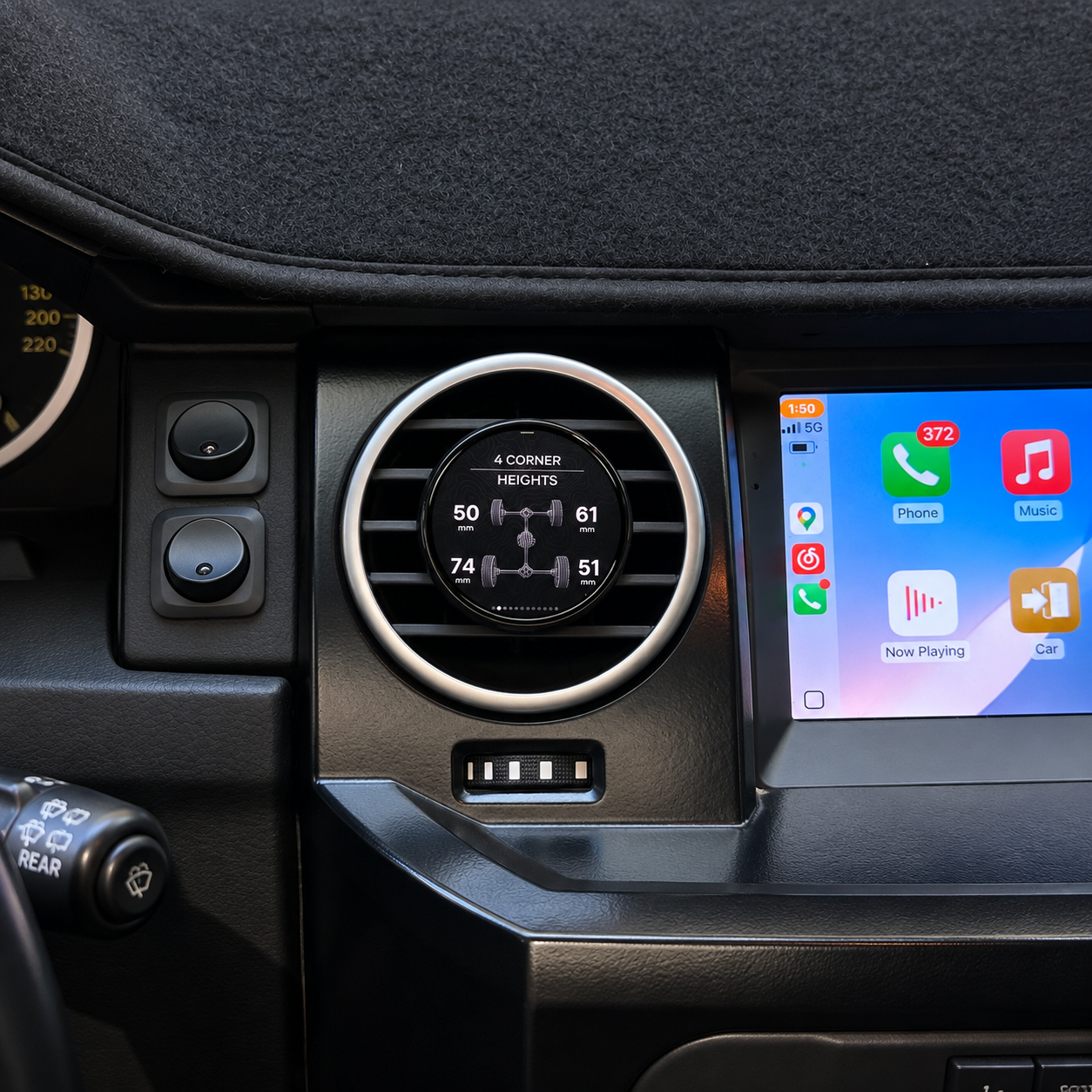
See the four corner height readings together, in millimetres.

A dedicated temperature view for the air suspension compressor.

Read engine coolant temperature on a dedicated display.
Swipe or use the arrows to explore
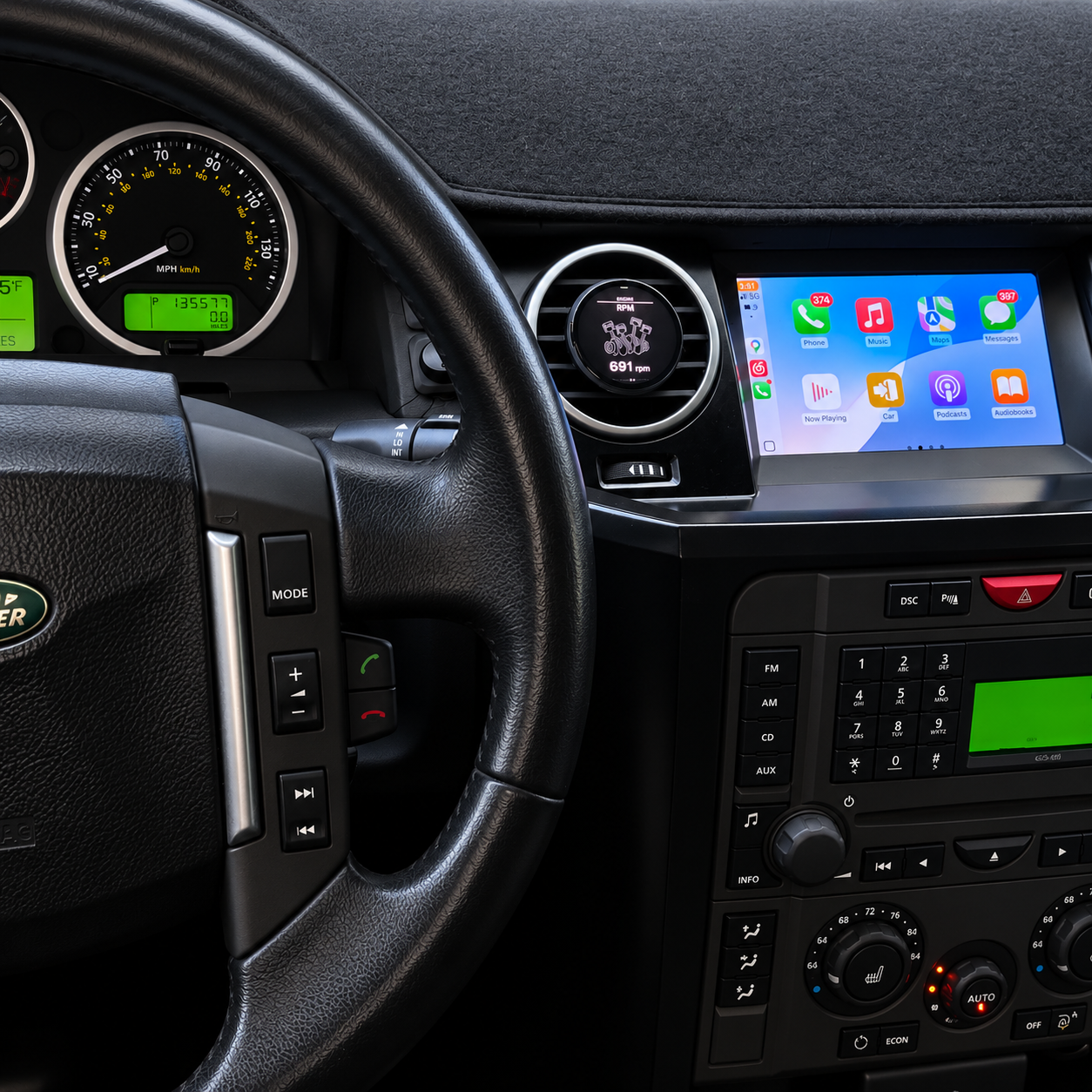
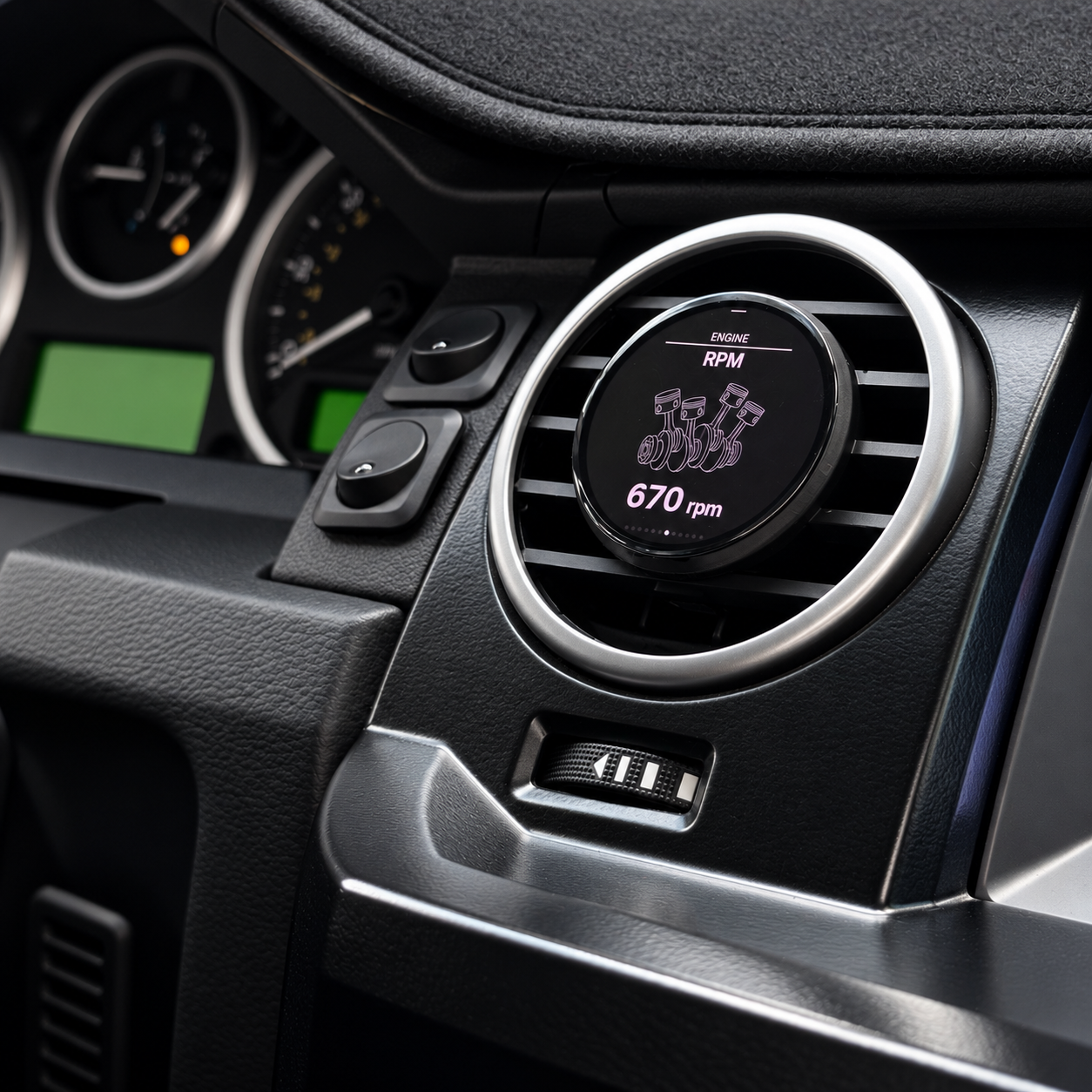
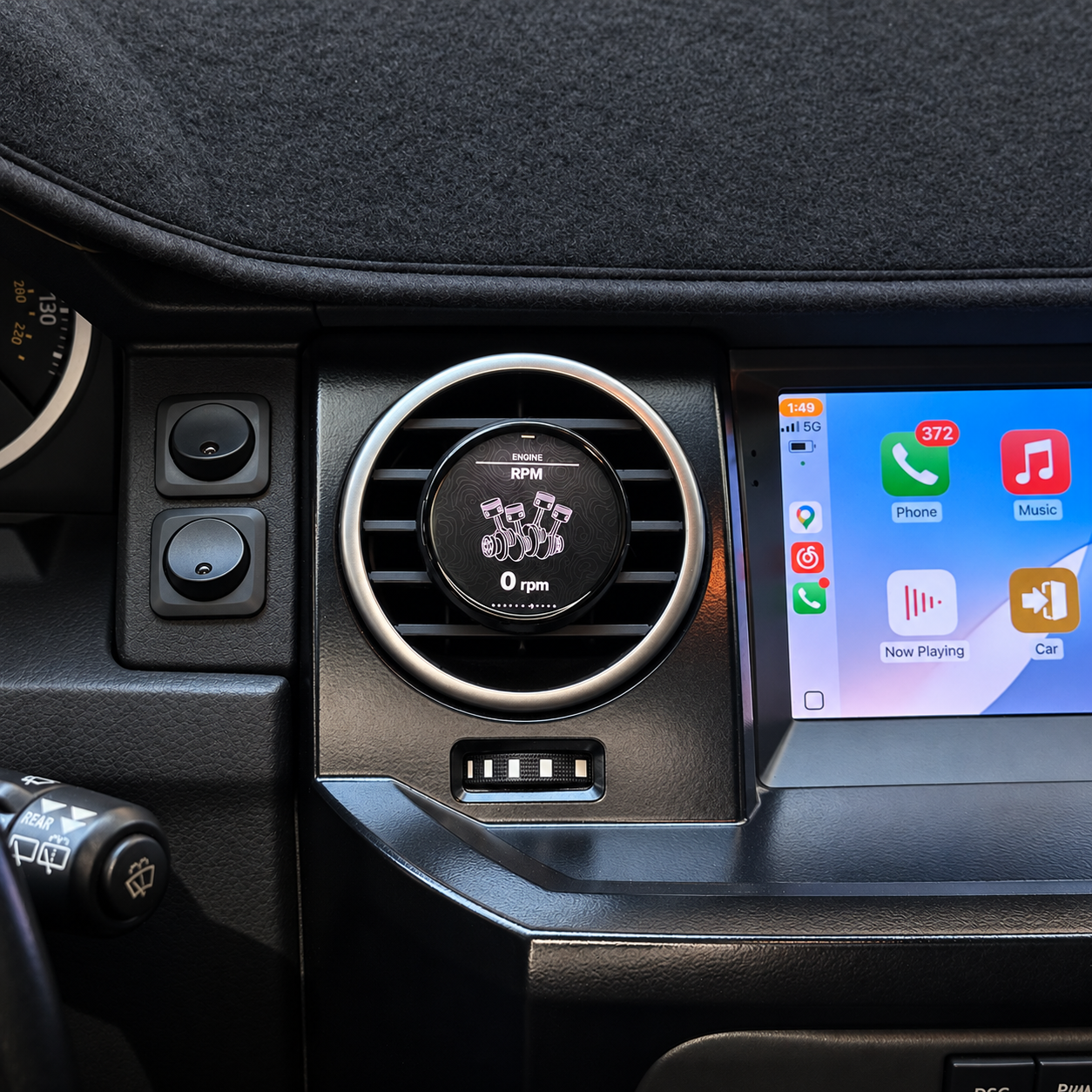
View engine revolutions per minute in a clear, focused layout.

A dedicated transmission temperature reading in degrees Celsius.

View engine OBD fault codes, with scan and detail controls shown on the display.
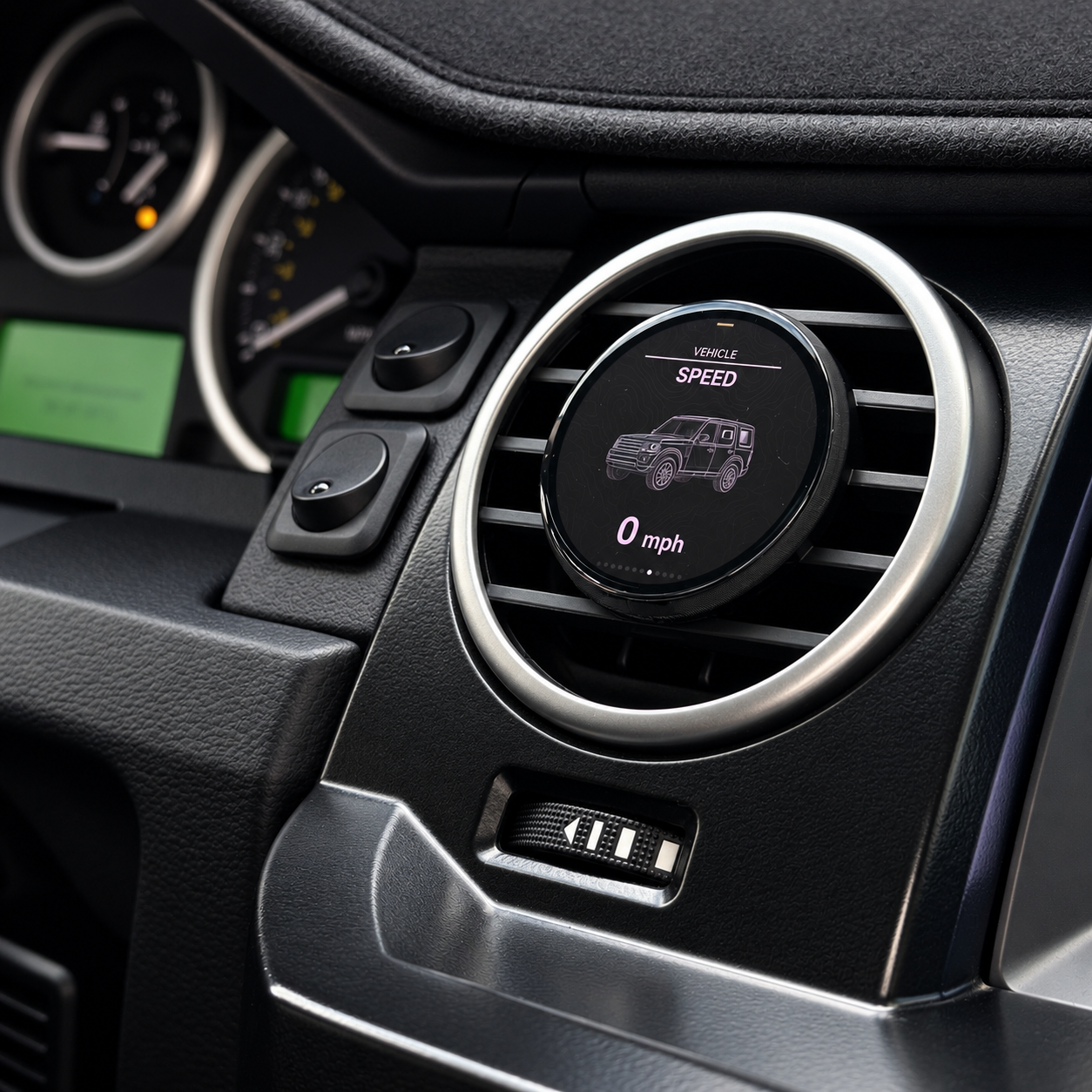
Vehicle speed in a clean, focused view.
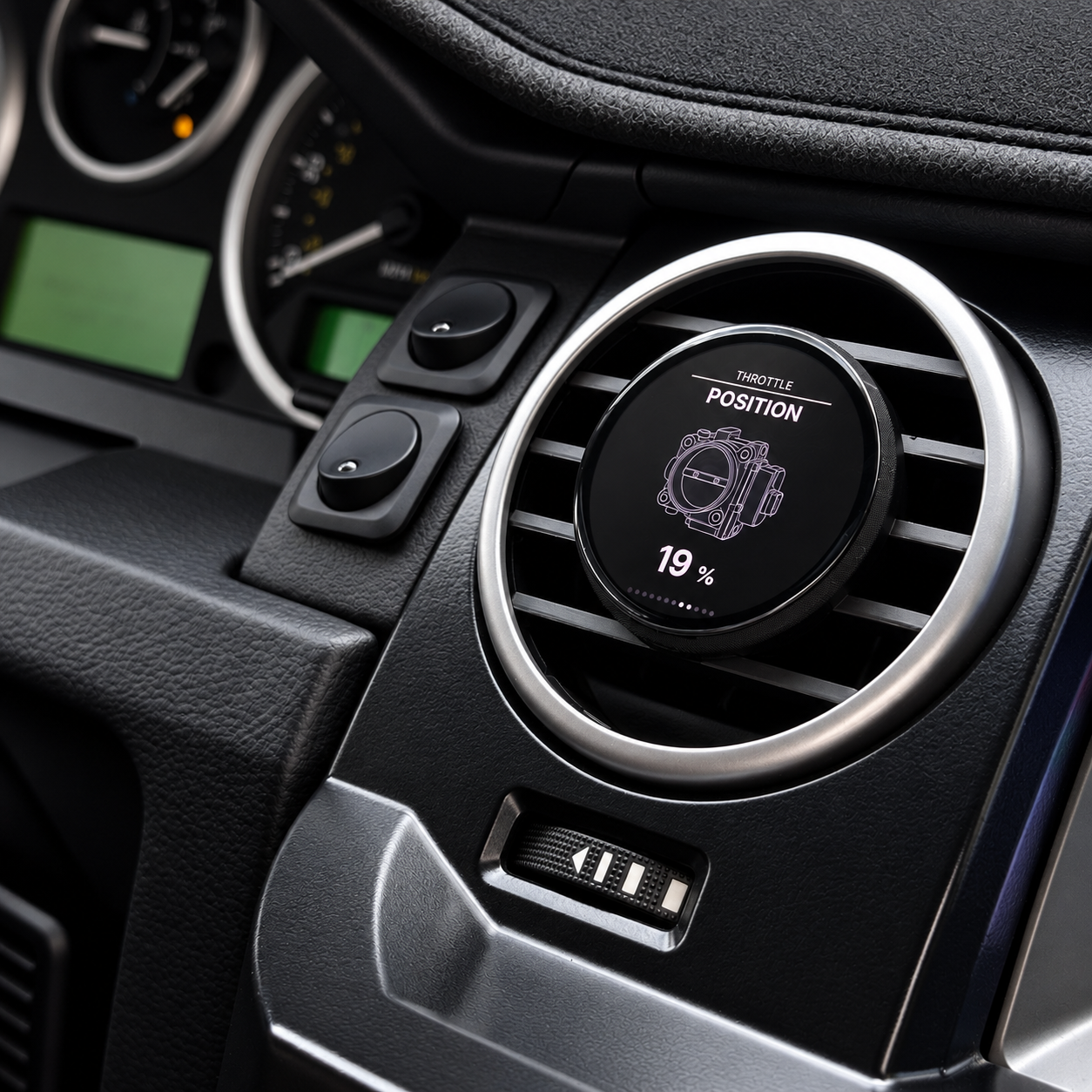
See throttle position as a percentage on a dedicated display.
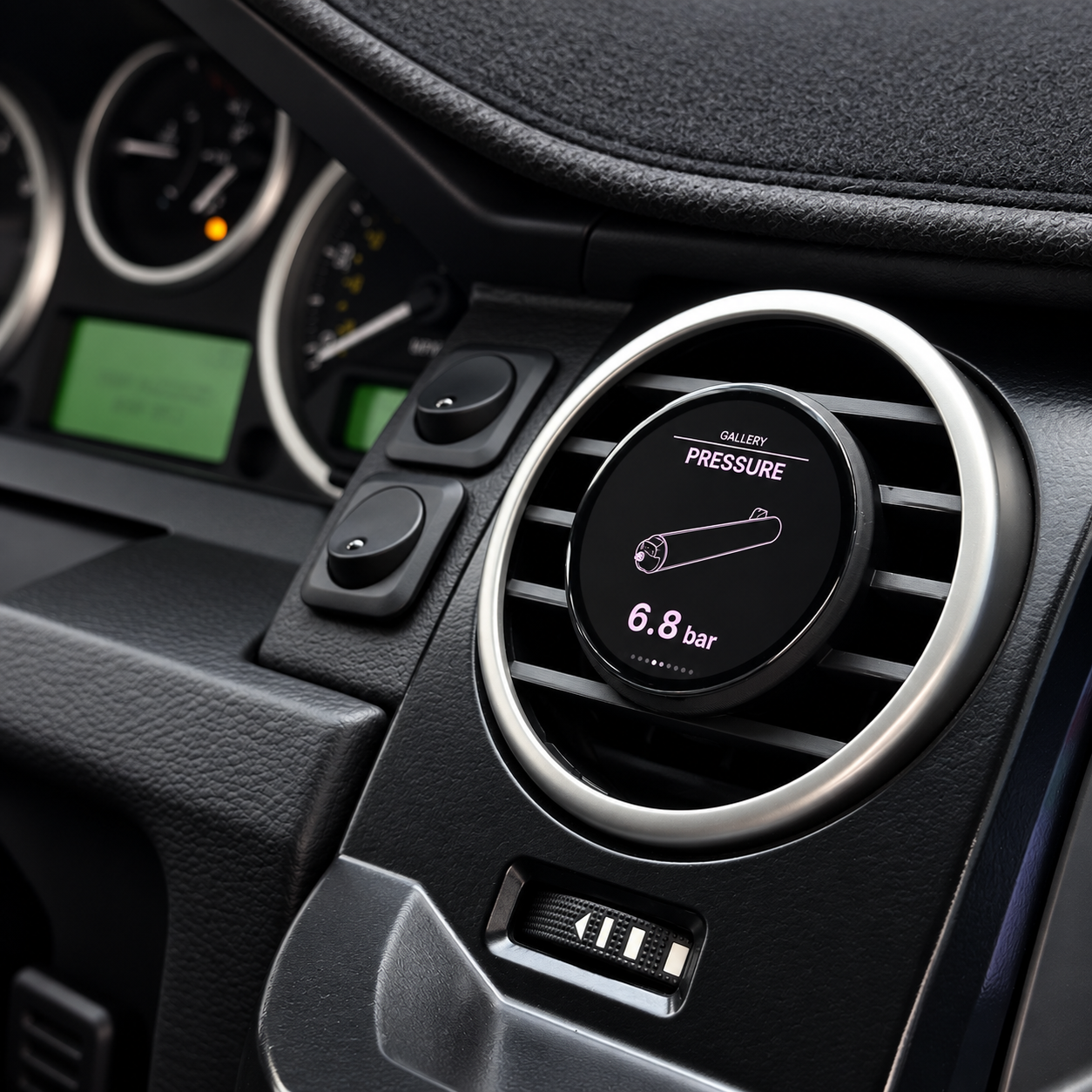
Read suspension air system pressure, shown here in bar.
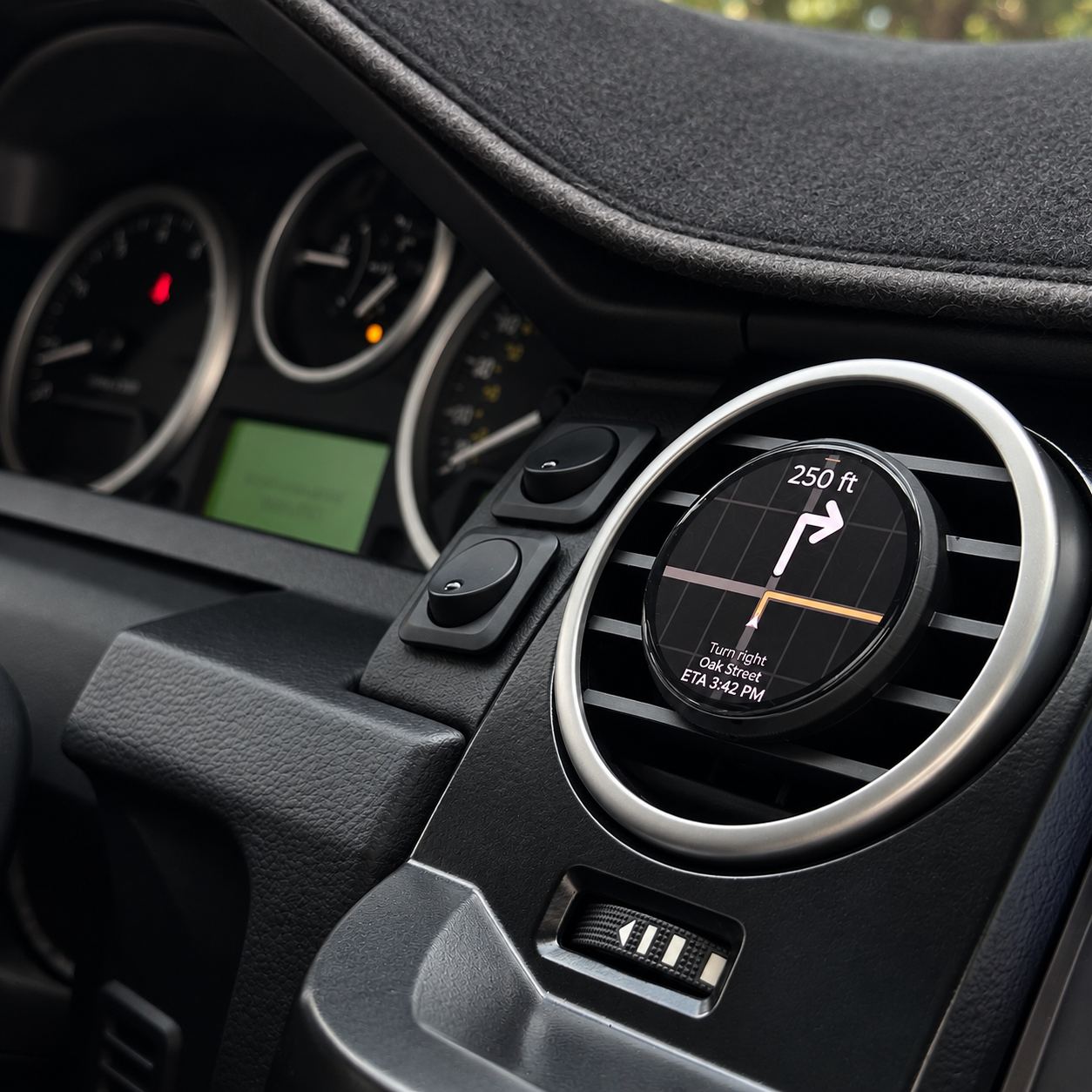
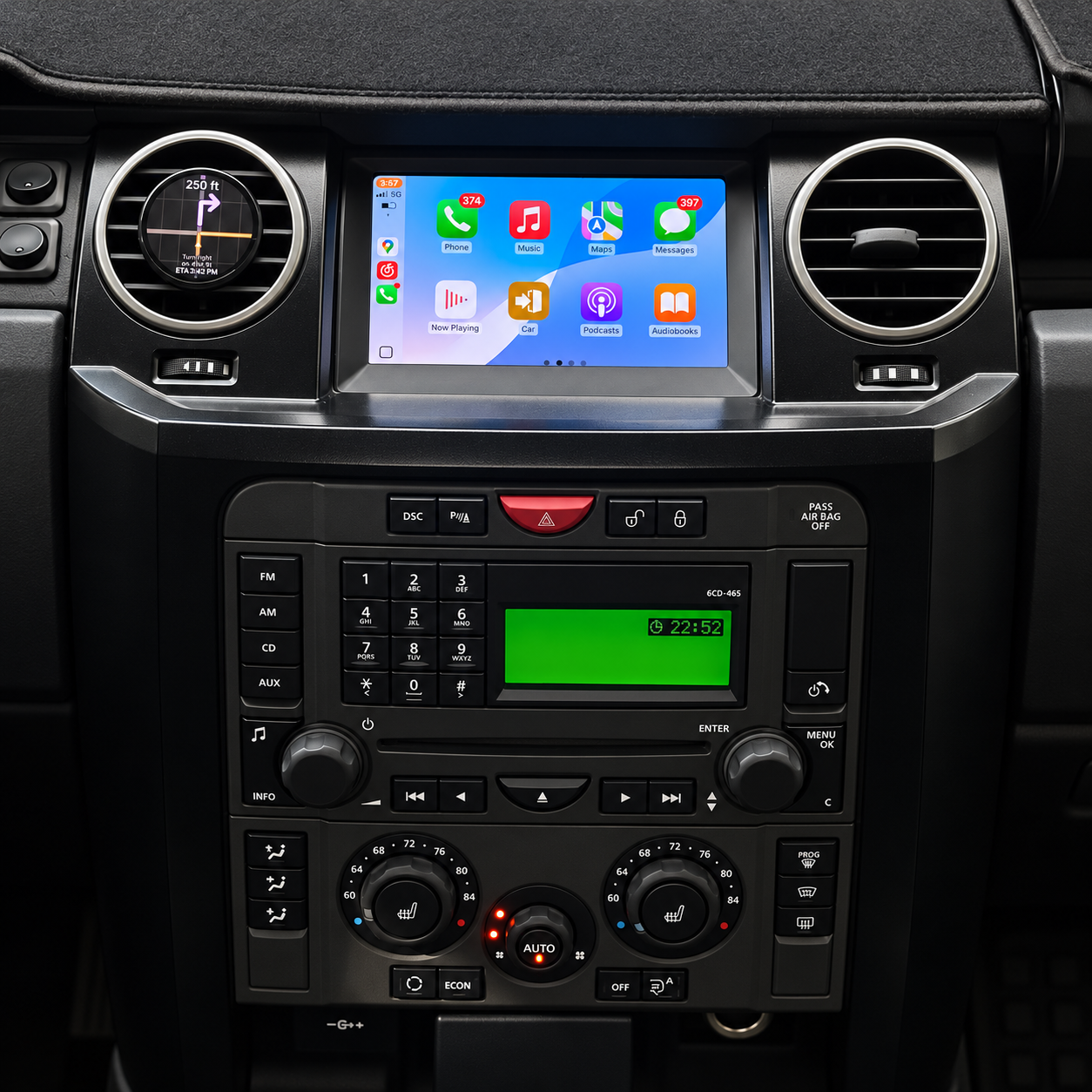
Follow turn-by-turn directions on your Discovery 3 / LR3 display. The photos show an example route.
Photos show example readings. Available data depends on your vehicle’s equipment and supported signals.
VEHICLE DATA & FEATURES
Estimated gear is calculated. Available readings depend on vehicle support and configuration. Fault-code reading and clearing applies to engine OBD codes.
THE DAOMOTION APP
Choose the readings on your display, start navigation and follow the installation guide — all from the DAOmotion app.
Select the gauges and units you want in the app. Use the Device / Configuration controls above the phone to view both screens.
Start in the app. Open the navigation screen on your display, then connect to see the next turn. Switch back to your gauges when needed.
App screens and display readings are illustrative. Available features depend on your device and vehicle configuration.
ENGINE DIAGNOSTICS
Check engine OBD fault codes, view the details and send a clear request directly from the round display.
Open Engine Codes, then View Details to review the reported engine codes.
Choose Clear Code. Park safely with the engine off and ignition on, then select Confirm.
The display reads the codes again so you can see what remains after the request.
For engine OBD codes. Clearing resets diagnostic data and readiness monitors; it does not repair the cause. Permanent codes remain until the vehicle confirms the fault is resolved.
Explore the hardware installation and App setup before choosing your kit.
YOUR DISCOVERY
Your Discovery’s vehicle data, navigation and personal display settings — together in one dedicated display.
$459.90 USD